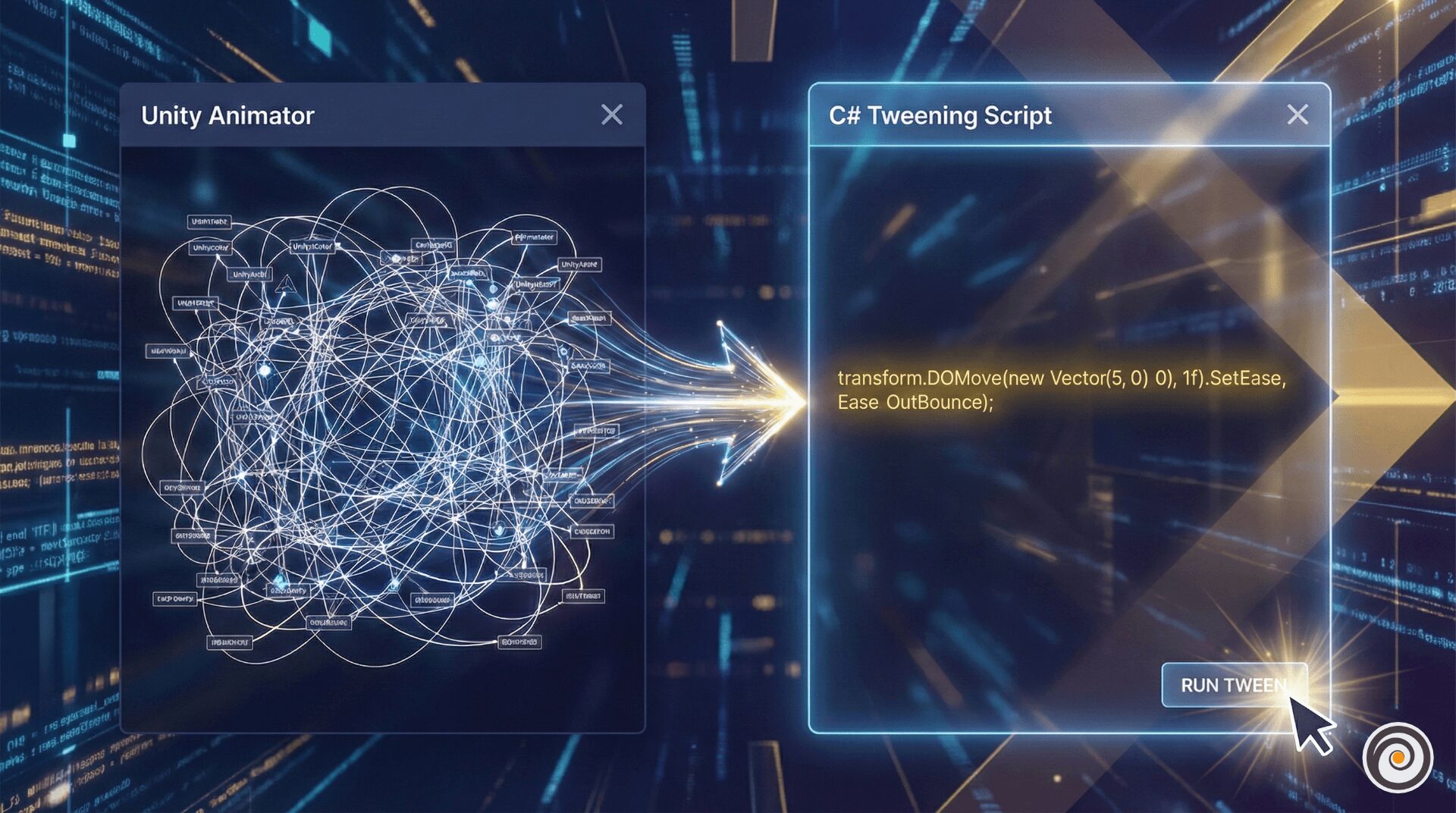
In the early days of Unity, if you wanted a UI button to pulse or a treasure chest to wiggle, you had two choices: write a messy Update() loop with Time.deltaTime or create an Animation Controller.
Today, we use Tweening Engines. These libraries allow you to execute complex, smooth, and professional animations with a single line of code. But with three major players in the scene, which one should you choose for your project?
1. Why Tweening Trumps the Animator
While the Unity Animator is powerful for skeletal characters (like a human walking), it is notoriously heavy for “Juice”—the small decorative animations that make a game feel alive.
Performance: Animators evaluate every frame, even if the animation is static. Tweens only run when called.
Cleanliness: No more “Animator Controller” spiders-webs for simple UI transitions.
Dynamic Control: You can’t easily tell an Animator to “move to wherever the player is currently standing,” but a Tween handles dynamic coordinates effortlessly.
2. The Contenders: Choosing Your Engine
| Library | Philosophy | Best For |
| DOTween | “Feature Rich & Readable” | Prototyping, complex UI sequences, and general dev. |
| LeanTween | “Performance First” | Mobile games with thousands of moving parts. |
| PrimeTween | “Modern & Allocation-Free” | High-end optimization and modern C# standards. |
DOTween: The Reliable Veteran
DOTween is the most popular library for a reason. Its Sequencing system is unmatched, allowing you to chain movements, rotations, and color changes into a choreographed masterpiece.
LeanTween: The Speed Demon
LeanTween is built for developers who count every millisecond of CPU time. It uses an internal pooling system, meaning it doesn’t create “garbage” for the Garbage Collector to clean up, which prevents frame-rate stutters.
PrimeTween: The New Standard
Released to address the modern needs of Unity developers, PrimeTween is zero-allocation. It is safer than DOTween (no crashes if an object is destroyed mid-tween) and faster than LeanTween, all while using a very clean API.
3. Practical Example: The “Loot Box” Reveal
Let’s look at a “merged” example. Imagine a loot box that shakes, then pops open while the background dims.
The PrimeTween Approach (Recommended for 2026)
using PrimeTween;
using UnityEngine;

public class LootBox : MonoBehaviour
{
    public Transform boxTransform;
    public CanvasGroup overlay;

    public void OpenBox()
    {
        // 1. Shake the box (Juice!)
        Tween.ShakeLocalPosition(boxTransform, strength: new Vector3(0.2f, 0, 0), duration: 0.5f);

        // 2. Create a sequence for the grand opening
        Sequence.Create()
            .Chain(Tween.Delay(0.5f)) // Wait for shake to finish
            .Group(Tween.Scale(boxTransform, 1.5f, 0.3f, Ease.OutBack)) // Pop up
            .Group(Tween.CanvasGroupAlpha(overlay, 1f, 0.3f)) // Dim background
            .OnComplete(() => SpawnLoot());
    }

    void SpawnLoot() { /* Logic to show items */ }
}
4. Comparison of Easing
The “feel” of your tween depends on the Ease. An Ease.Linear movement feels like a conveyor belt. An Ease.OutBouncefeels like a toy.
5. Final Verdict
Use DOTween if you want the most tutorials and a visual “Pro” editor.
Use LeanTween if you are working on very old hardware or legacy projects.
Use PrimeTween for all new projects where performance and code safety are your top priorities.
🚀 Get Started: Download the Libraries
Ready to add some juice to your project? Here are the official links to the top three tweening engines on the Unity Asset Store:
1. DOTween (HOTween v2)
The most popular choice for general-purpose tweening and complex UI sequences.
Price: Free (Standard) / $15 (Pro)
2. PrimeTween
The modern, zero-allocation powerhouse. Highly recommended for 2026 performance standards.
Price: Free
3. LeanTween
The performance-focused classic. Great for mobile and lightweight projects.
Price: Free